Add to Calendar
Inline buttons or a dropdown, wrapping row or column, icons and labels. Past events show Event ended.
How-to guide →Wix App · Add to Calendar
Visitors open Google, Yahoo, or Outlook, or download an Apple calendar file. Saving adds the event to their calendar. It does not register them.
What’s new →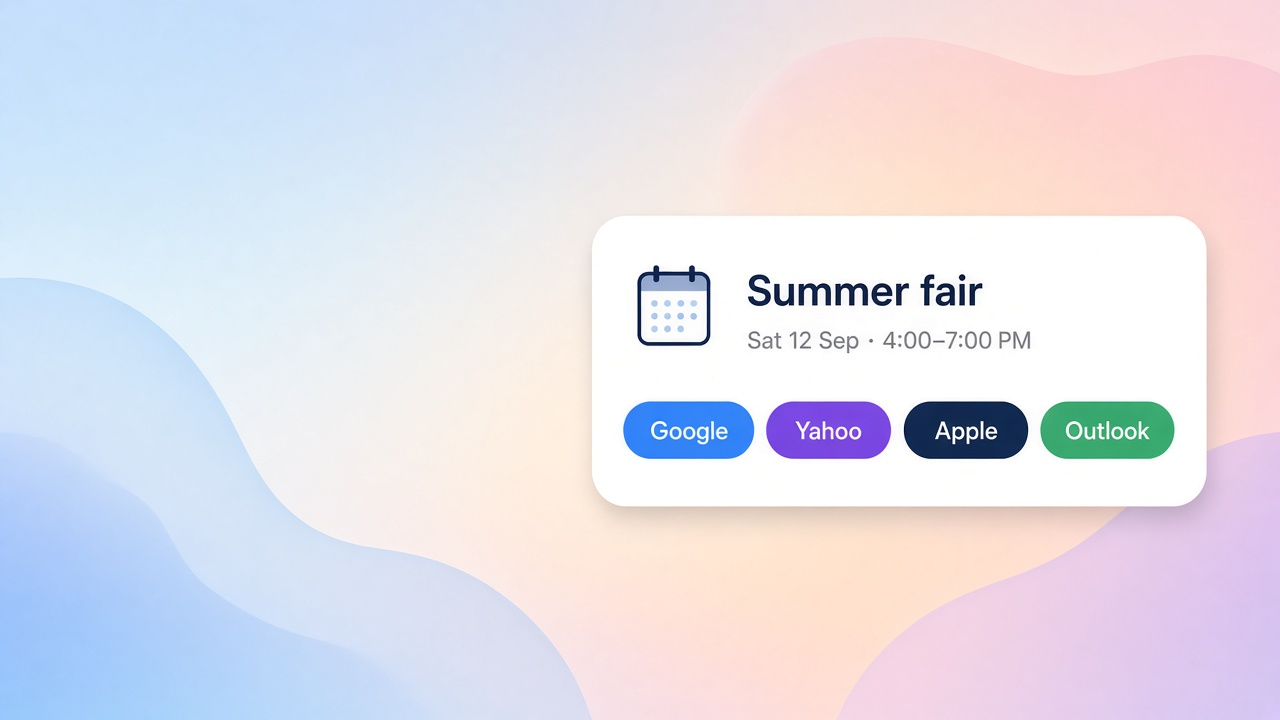
What it ships
Add these from the app. They do not replace Wix Members sign-up. Deep dives live in Docs and the Blog.
Inline buttons or a dropdown, wrapping row or column, icons and labels. Past events show Event ended.
How-to guide →The page slug must match one public CMS item. Two matches or none show a diagnostic in the editor and no buttons on the live site.
How-to guide →The plugin reads the public event on the Event Details page. Cancelled, draft, and unscheduled events hide the actions.
How-to guide →Apple downloads a calendar file; Outlook opens on the web. The app does not connect Google, Apple, or Outlook accounts.
How-to guide →Setup
Place Add to Calendar, enter the event, and confirm the time zone.
Point the widget at a public collection and match the page slug exactly.
Visitors save the event to their own calendar. That does not register them.
FAQ
A site widget with settings, and a Save event plugin for the Wix Events details header and details area.
No. The buttons add the event to the visitor’s calendar. They do not RSVP, email anyone, or create a contact.
Google, Yahoo, Apple (.ics download), and Outlook on the web. A new tab or file is not proof the calendar app saved the event.
No. It loads one item whose slug field equals the page slug. It does not offer a general collection query.
Feedback
Worked, didn't work, or missing entirely — we read every submission.